Call more leads every day — straight from your PC, on your own SIM.
DialDesk CRM connects your Android phone to your computer. Dial lists automatically, never miss a follow-up, send WhatsApp and GST invoices — all in one app.
- Free for 7 days — every feature, no card needed
- ₹0 per minute — calls use your own mobile plan
- Your data stays on your PC — encrypted Google Drive backup
- Set up in 15 minutes — we help you on a call
Get your free 7-day trial
We'll call you within one working day to set it up.
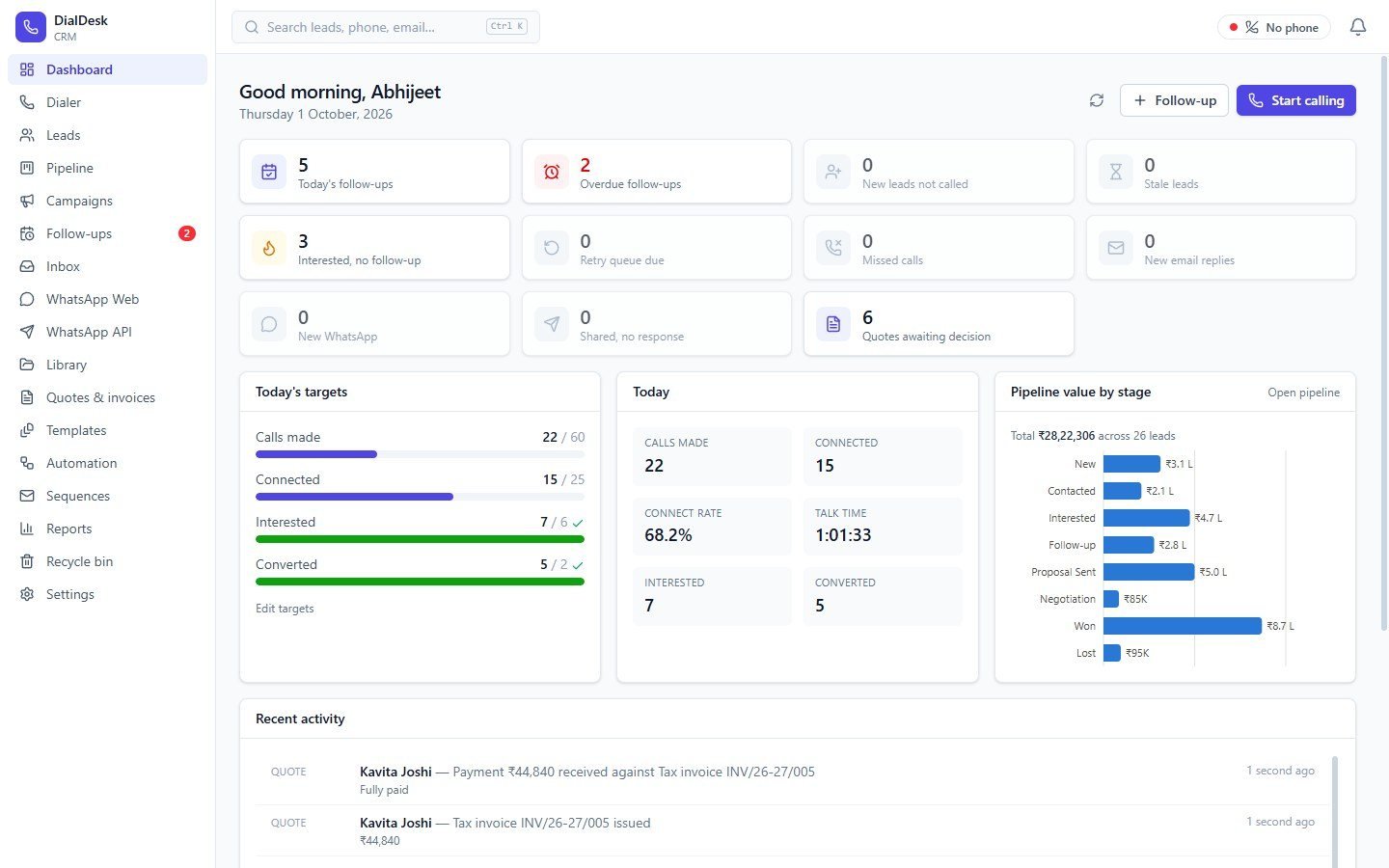
Stop losing leads to slow calling and forgotten follow-ups
Dialing one number at a time
Auto-dial your whole list from the PC through your own SIM. The call result, talk time and recording are saved for you.
Follow-ups slipping through
Every interested lead gets a follow-up. Reminders pop up on time, and the dashboard shows what is overdue.
Billing in a separate tool
Quotation → proforma → GST tax invoice → payment in one click each, with your logo and a UPI QR.
Everything a calling team needs, in one window
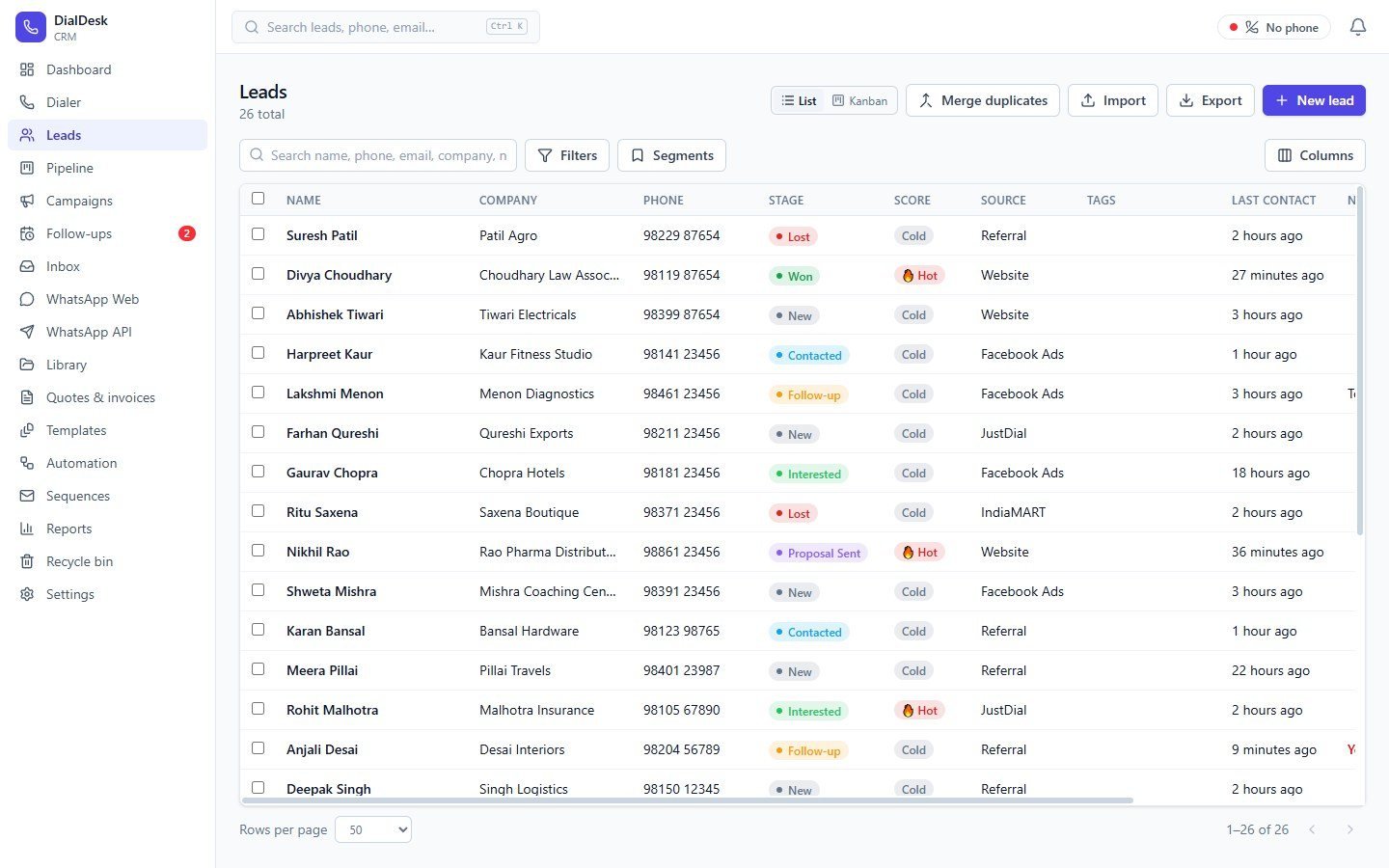
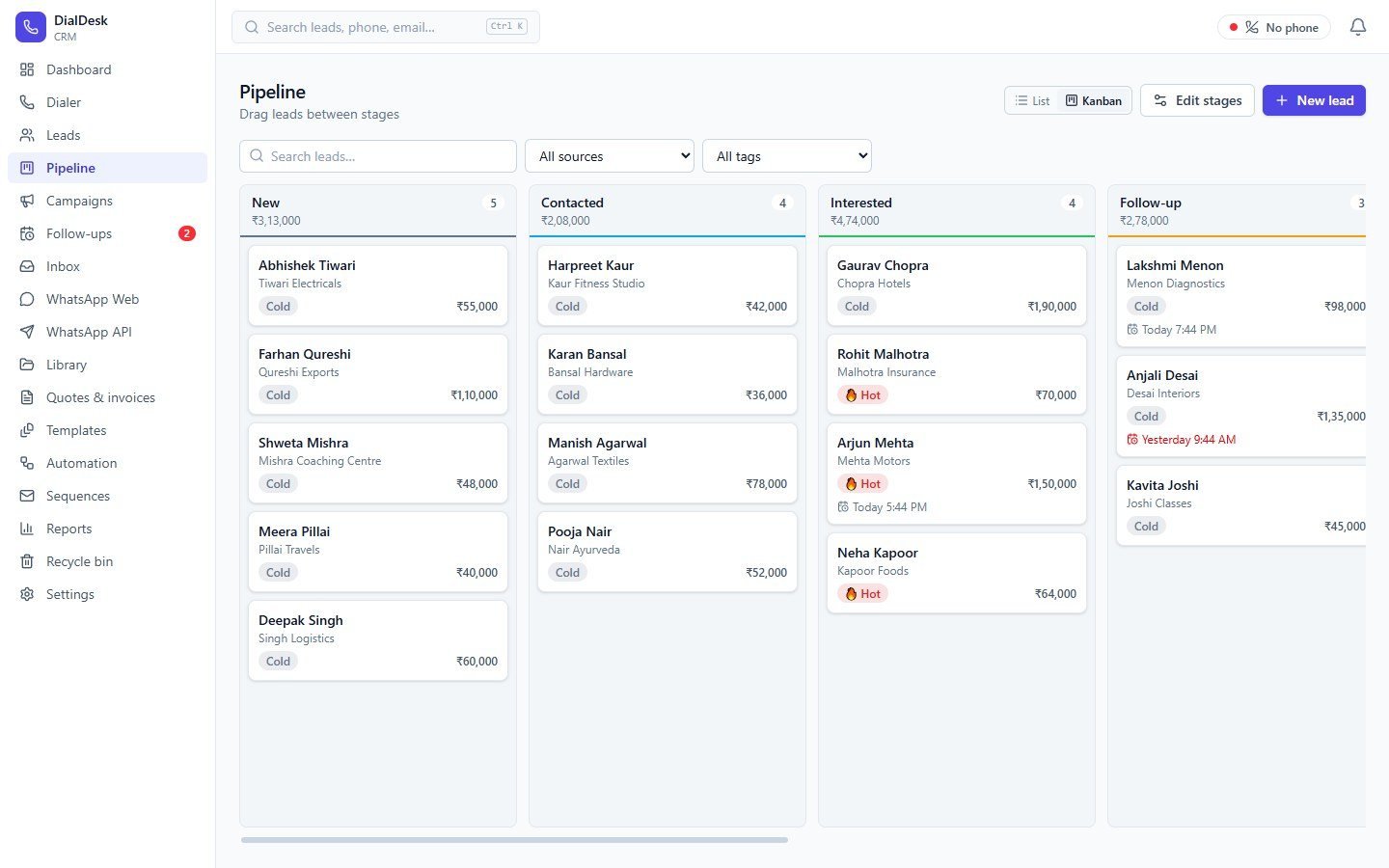


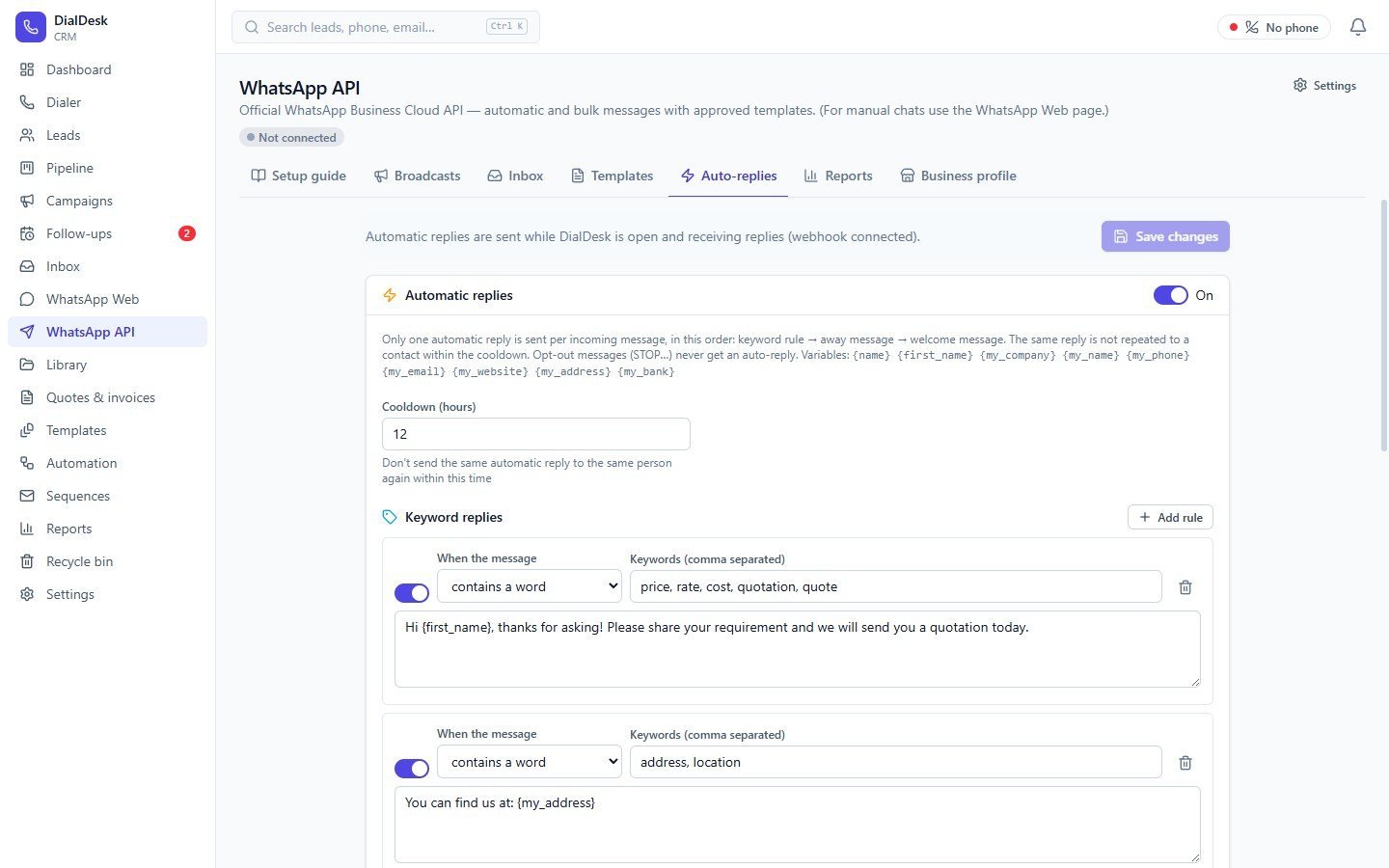
Calling in about fifteen minutes
- 01Fill the form
We call you and send the installer.
- 02Install on Windows
One installer, every feature included.
- 03Connect your phone
USB cable or Wi-Fi — the wizard shows each step.
- 04Import & call
Bring your Excel list and start dialing.
GST invoices with your logo — and a UPI QR to get paid faster
Convert an accepted quotation into a proforma or GST tax invoice in one click. Track payments, see what is overdue, and download GSTR-1 / GSTR-3B figures at month end.
- CGST + SGST or IGST worked out automatically
- Your design, signature, stamp and UPI QR
- Purchases, GSTR-2B import and input tax credit

Good to know
Anything else? Ask us on WhatsApp.
- Do I need a special phone or SIM?
- No. Any Android phone with your normal SIM and calling plan works. You connect it to the PC with a USB cable or over Wi-Fi once.
- Is there any per-minute or per-user charge?
- No. Calls are billed by your own mobile plan. You pay only for the DialDesk licence per computer — monthly, half-yearly, yearly or lifetime.
- Where is my data stored?
- On your own computer. Optional daily backup goes to your own Google Drive, encrypted with your password.
- Can it make GST invoices and GST returns?
- Yes. Quotations, proforma and tax invoices with CGST/SGST/IGST, plus monthly GSTR-1 and GSTR-3B figures with an Excel / JSON export for your accountant.
- How long does setup take?
- About fifteen minutes. We help you install it and connect your phone on a short call.
- What happens after the free trial?
- Choose a plan and we send you a licence key. If you don't, the app becomes read-only — your data is never deleted.
Try every feature free for 7 days
No card, no per-minute charges. We help you set it up.